Follow the steps below in ReadyView to create your first configuration template. This template will then be used as the base configuration for all of the devices bound to it.
- Navigate to Settings > Configuration templates
- Click Create a new template
- You can choose to create a New template or Clone an existing template
- Provide a Template name
- Click Save
Once a template has been created you can bind it to a device to update the device's base configuration.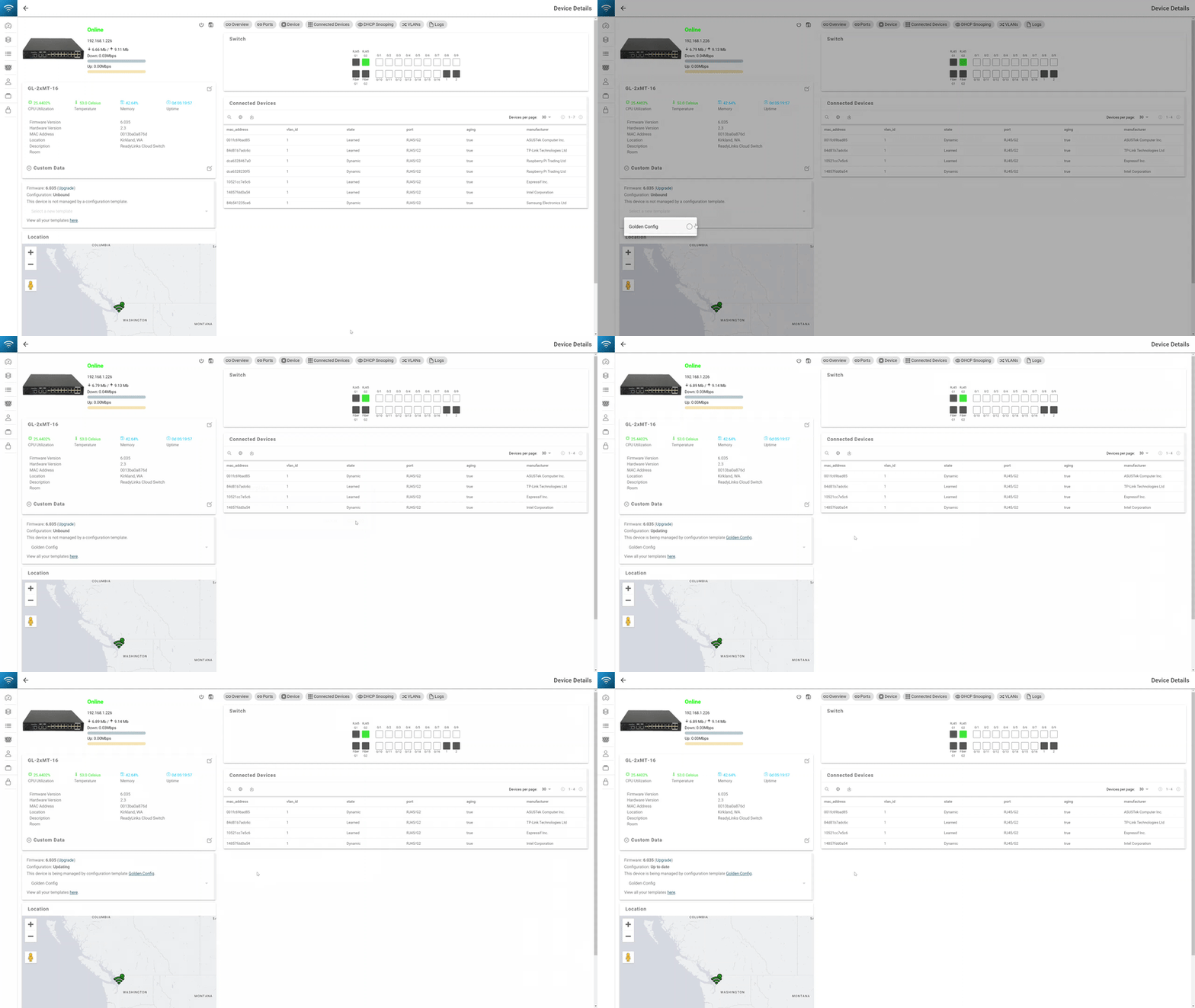
To bind a device to a template:
- Click into the device
- Select the configuration template to bind
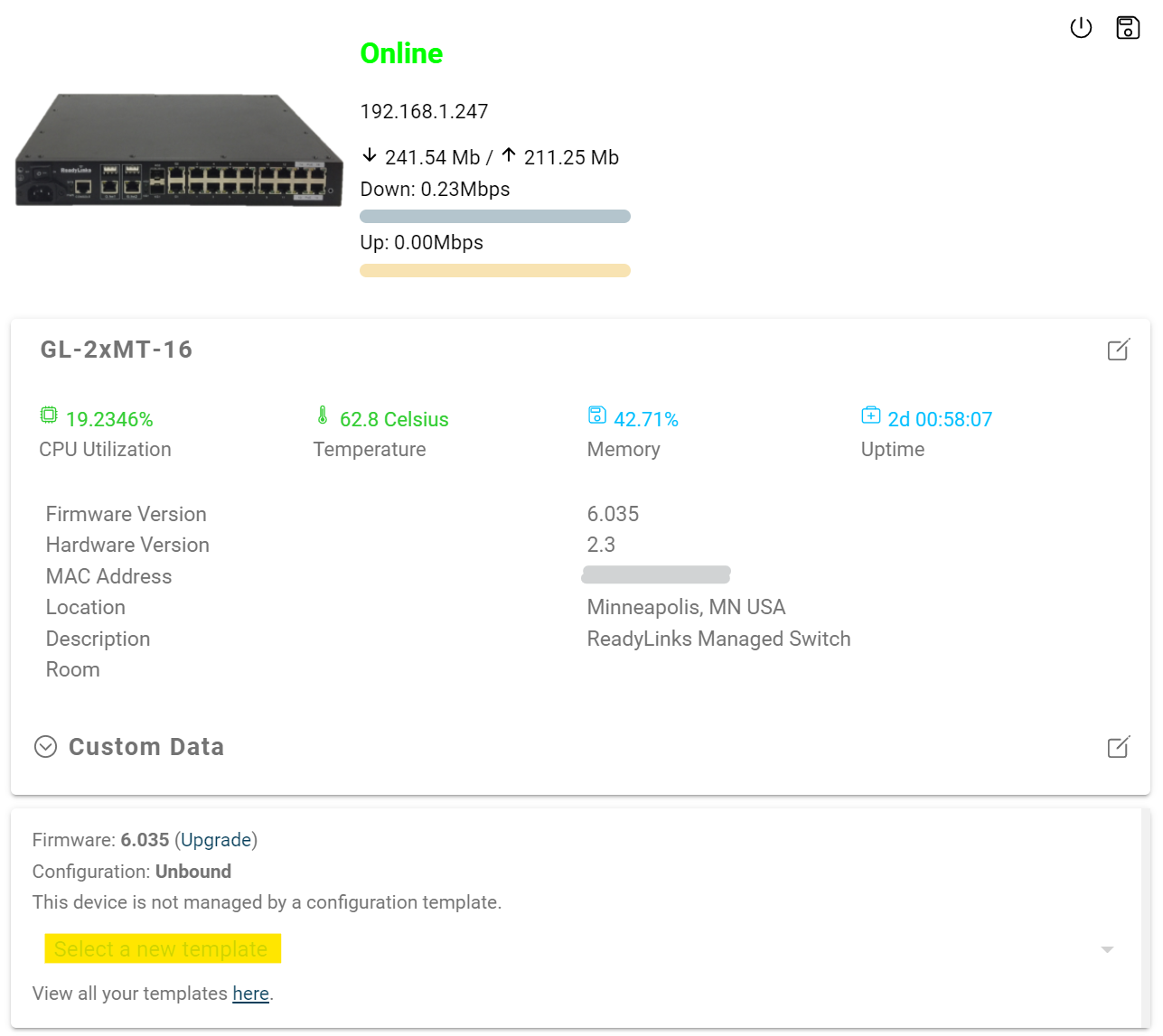
- Click Confirm
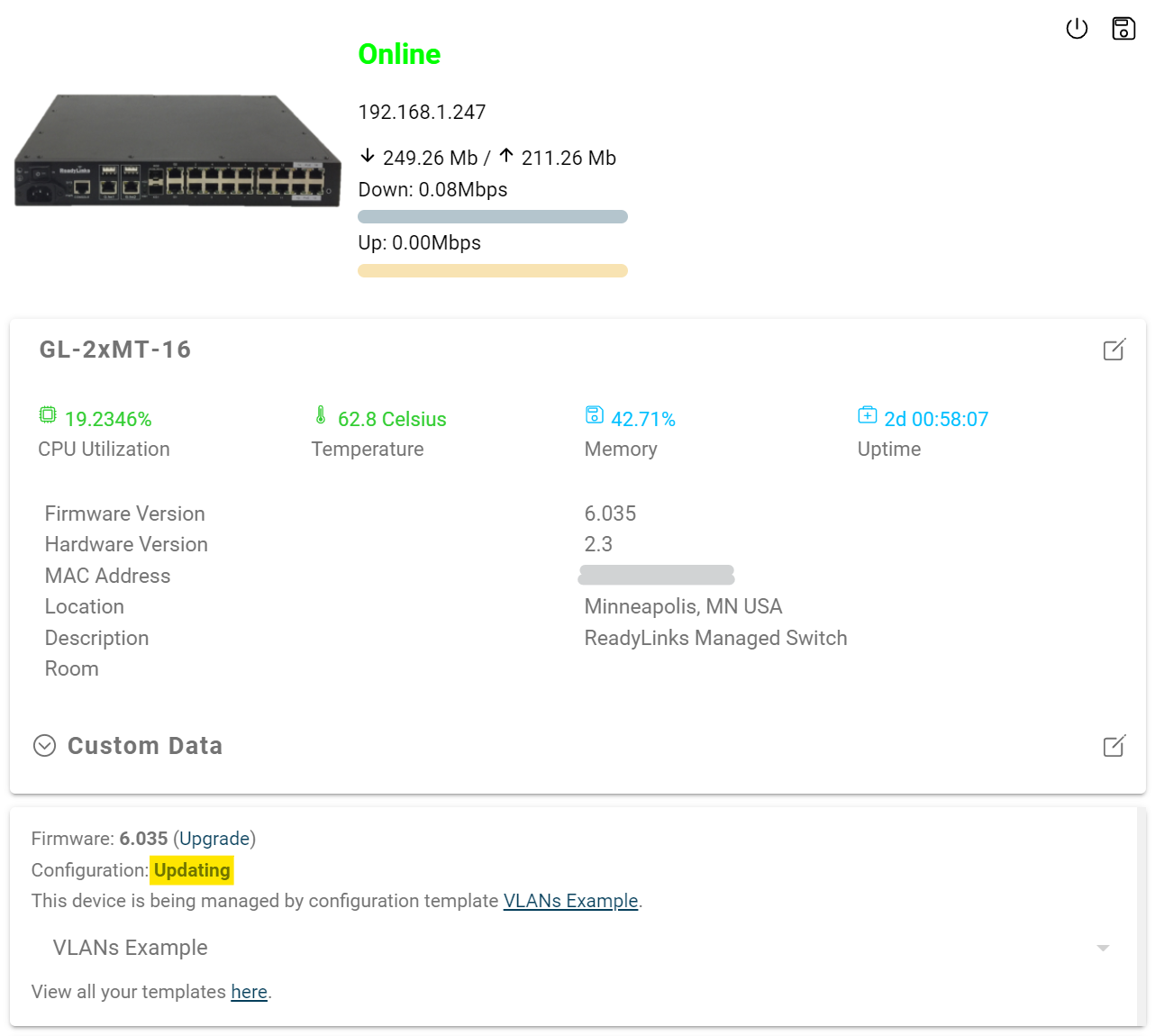
As the device is being provisioned it will show a configuration status of Updating.
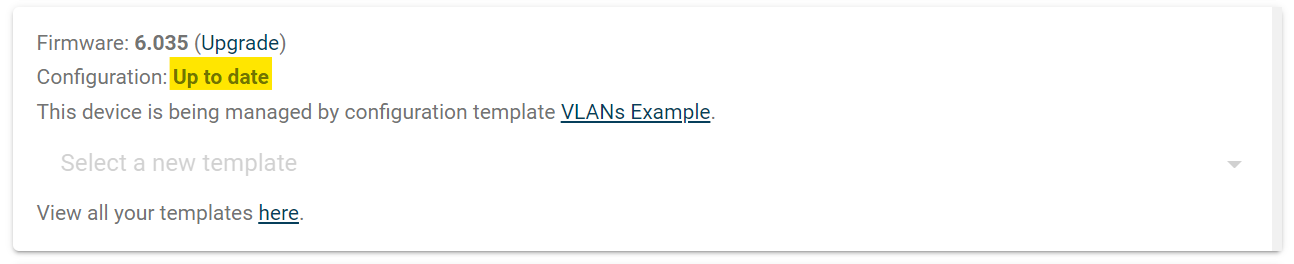
Once the template binds to the device, it will show a configuration status of Up to date.
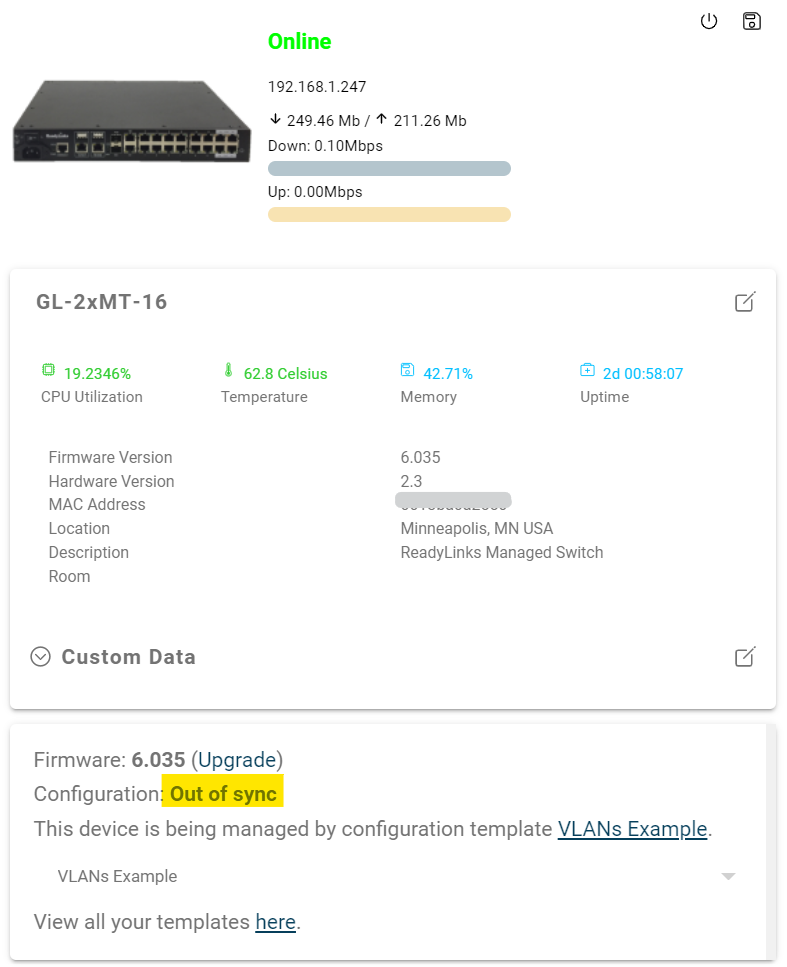
If the provisioning fails or one of the configurations causes the device to lose connection to the Internet, it will show a configuration status of Out of sync. You can always try to reapply the template, but if a configuration in the template causes the device to go offline, you will need to reboot the device to restore it to the previous running configuration.