Log in to ReadyView using the account created earlier. Navigate to the Add Device page and select the button to add a device or multiple devices. Provide the MAC address of your device/s. Enter a comma separated series of MAC addresses or scan the MAC QR code on your device.
Select Claim to claim the device.
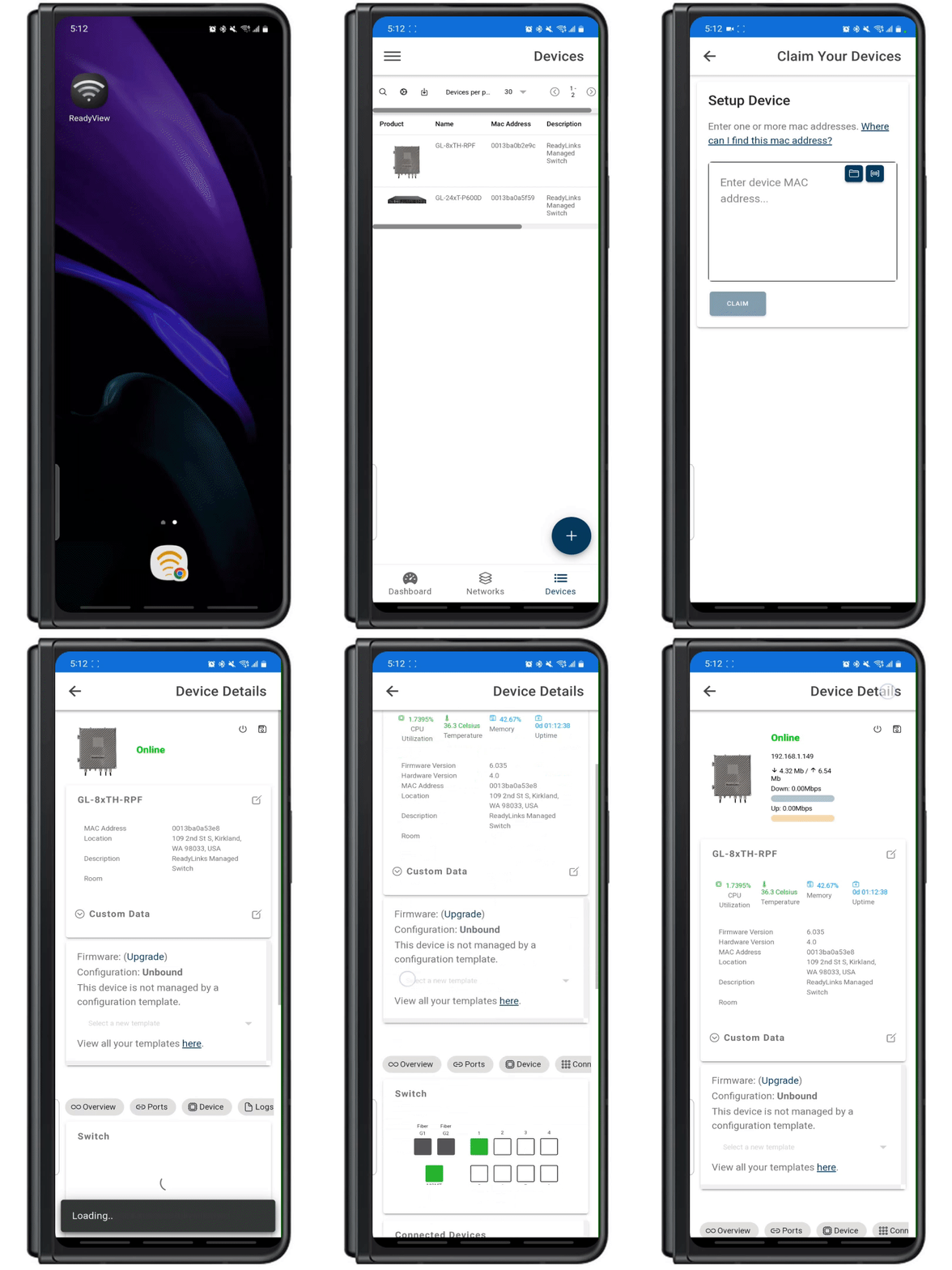
Congratulations! You've successfully claimed your ReadyLinks device.
Troubleshoot: Once the device is powered on and connected, it could take a few minutes for the device to connect back to the ReadyLinks cloud. If you are still having trouble claiming your device. Ensure the device is on a network with proper firewall rules configured.